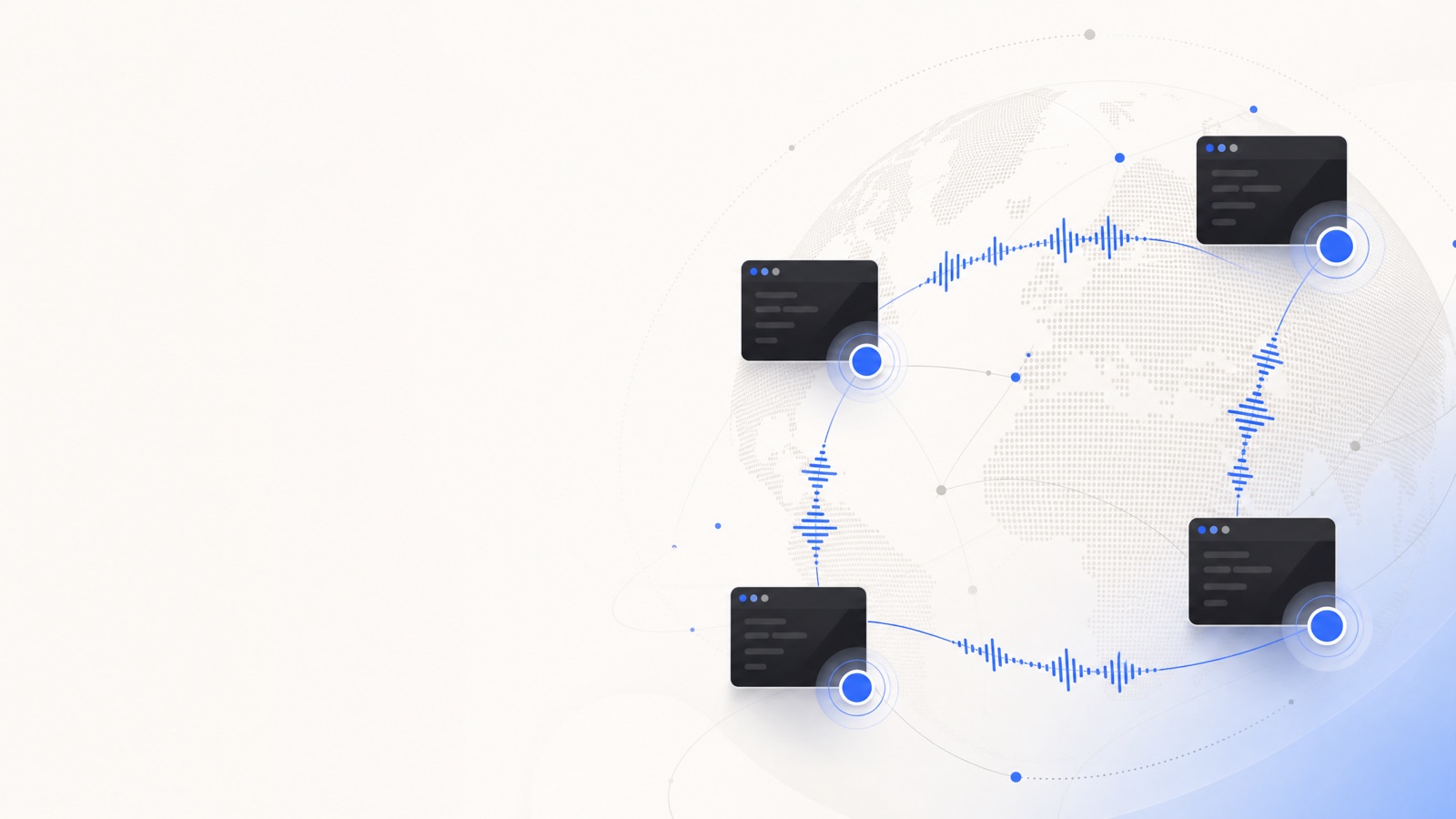
Engineering is global, but the standup is not always in a language everyone shares. A teammate in Warsaw, a contractor in São Paulo, a vendor team in Tokyo — the work moves fast, then stalls the moment nuance gets lost in someone's second or third language. Real-time voice translation closes that gap without slowing the call down.
The meetings where it helps most
- Standups: everyone speaks their own language and stays in sync, instead of the call defaulting to whoever is most fluent in English.
- Code reviews and design discussions: precise wording matters; live captions back up the spoken translation for identifiers, error strings, and API names.
- Incident calls: under pressure, people fall back to their first language. Translation keeps the bridge call coherent when it matters most.
No bot in the room
Recording bots are a problem for engineering calls: they add a visible participant, and they push your incident details and architecture discussion to a third-party cloud. Retalk instead installs as a virtual microphone and speaker, so Zoom, Meet, or Teams treat it as an audio device — no bot joins, and transcripts stay on the desktop app rather than being uploaded.
Works with the stack you already run
There is nothing to install inside your meeting tool and nothing for teammates to configure — they simply hear you in their language. Retalk covers 70+ languages through Google's Gemini 3.5 Live Translate, and because it is speech-to-speech it preserves tone and pacing with sub-second latency, so a fast technical back-and-forth still feels like a conversation.
Setup for a team
Each person picks their own language pair and points their meeting app's microphone and speaker at the Retalk devices — see the pre-call checklist. From there, calls run normally. Usage is metered per translated minute; see how that is counted.
Download Retalk for Mac and try it on your next standup.